Terminal-first key behavior
Sticky Ctrl, Alt, Shift, control characters,
function keys, arrows, paging keys, and a full layout when the session needs it.
Android Terminal Keyboard / Chinese Input / Voice
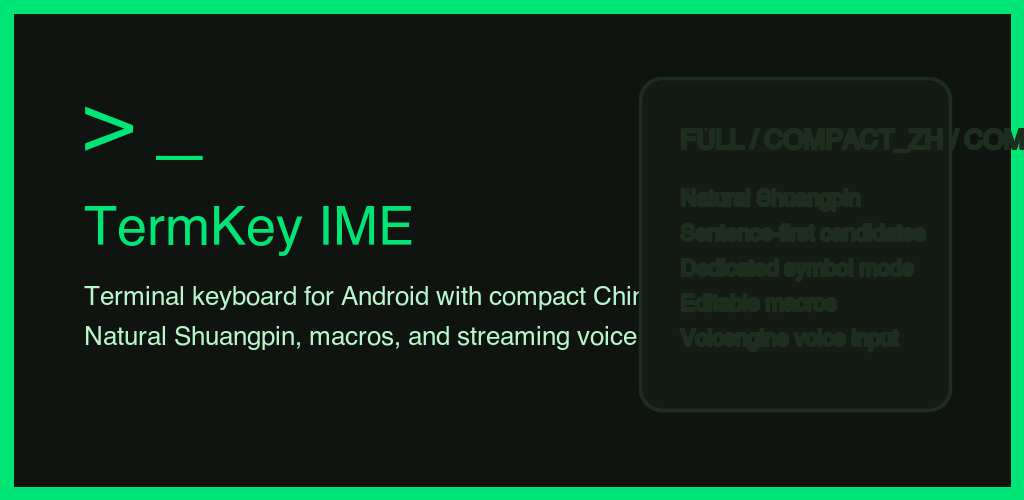
TermKey IME is an Android keyboard for terminal-heavy workflows that still needs real daily input speed: compact Chinese and English layouts, Natural Shuangpin, offline sentence-first candidates, editable macros, and streaming voice input.
031890980ced2a1e0c2fa3099f654047ee2b8deee2f355c0c2edbaf904166d12
$ input stack
FULL           -> terminal layout with modifiers, fn row, arrows
COMPACT_ZH     -> Natural Shuangpin + candidates + symbol mode
COMPACT_EN     -> letters + numbers + punctuation
VOICE          -> live recognition into current editor
MACROS         -> persistent custom snippets

$ chinese mode
space          -> commit first candidate
backspace      -> delete code before committed text
sentence path  -> ranked ahead of broken fragments

$ compact symbol mode
#+=            -> pure symbol page
tap symbol     -> insert and return
Why It Exists
Most Android keyboards optimize for chat. TermKey optimizes for shell sessions, SSH, compact editing, and bilingual input without losing direct control over modifiers, symbols, or candidate flow.
Sticky Ctrl, Alt, Shift, control characters,
function keys, arrows, paging keys, and a full layout when the session needs it.
Dedicated compact Chinese mode with offline lexicon lookup, phrase and sentence-first ranking, and local user frequency learning on device.
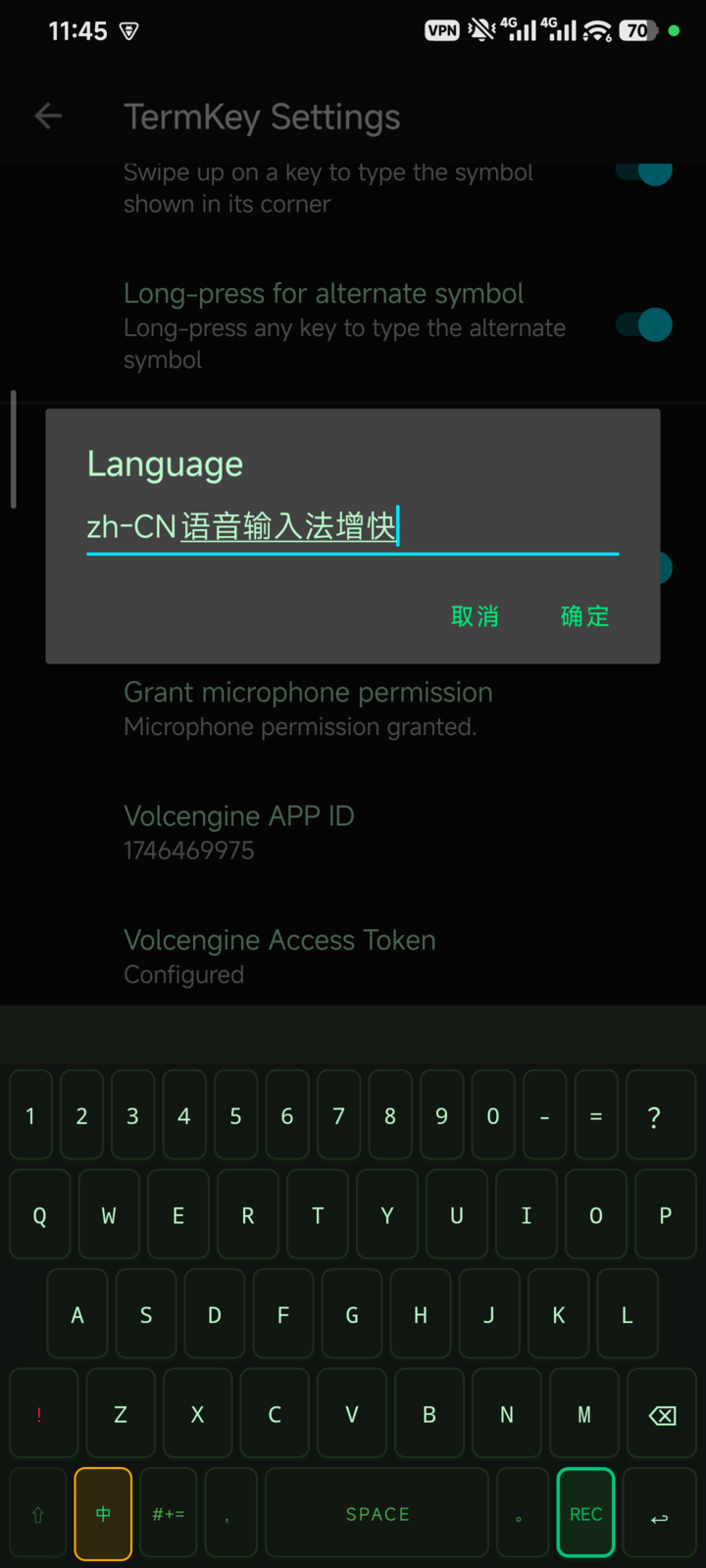
Live streaming voice input, an isolated symbol page, adaptive touch targets, and delete gestures for dense layouts that still feel controllable.
Chinese Flow
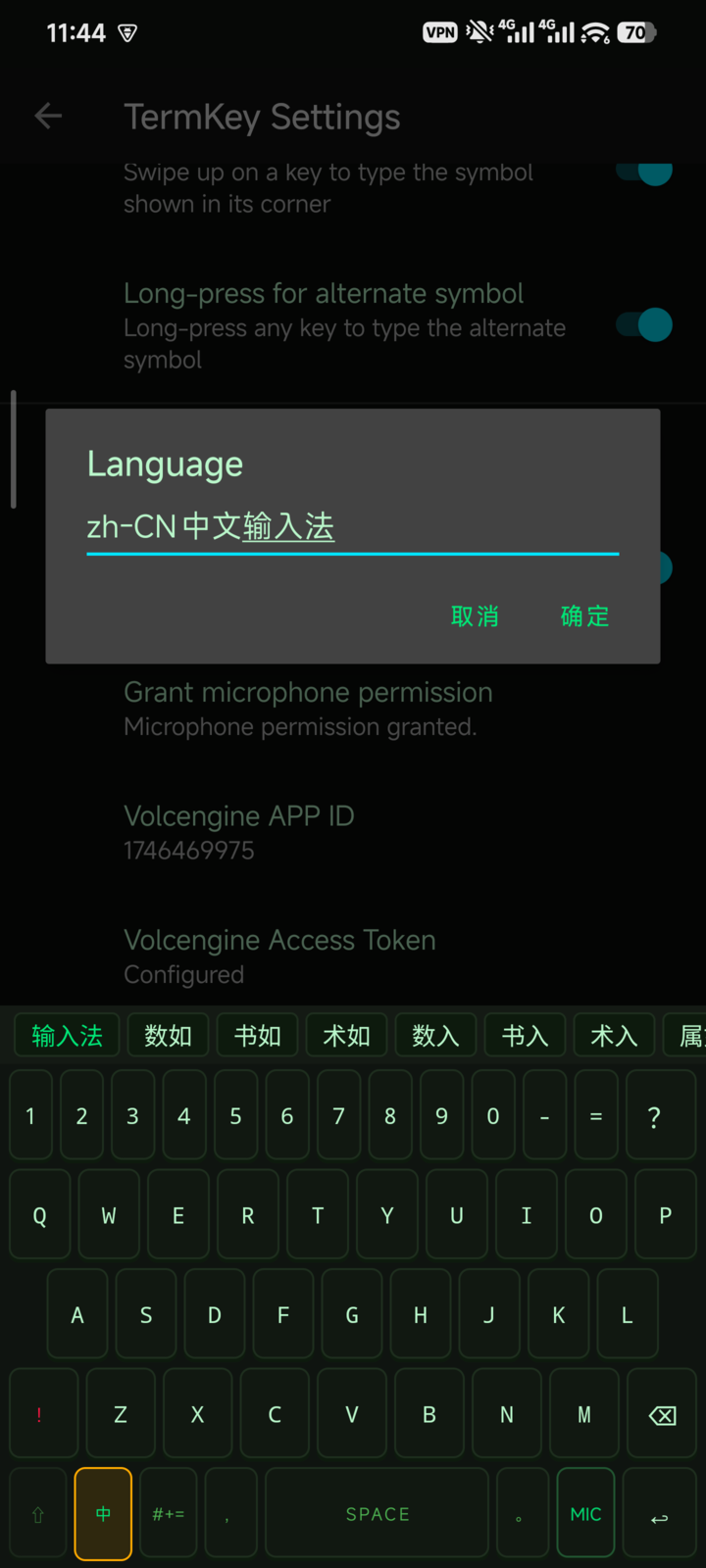
Chinese mode keeps the candidate bar visible, shows the leading candidate as composing
text, and lets Space confirm the best path. The engine prefers full phrases
and sentence-level matches before broken character fragments.
Enter Natural Shuangpin code in compact Chinese mode. The candidate bar stays live.
Phrase and sentence candidates are ranked with offline frequency data plus local learning.
Tap a candidate or press Space to commit the first result and start the next phrase immediately.
Runtime Layouts
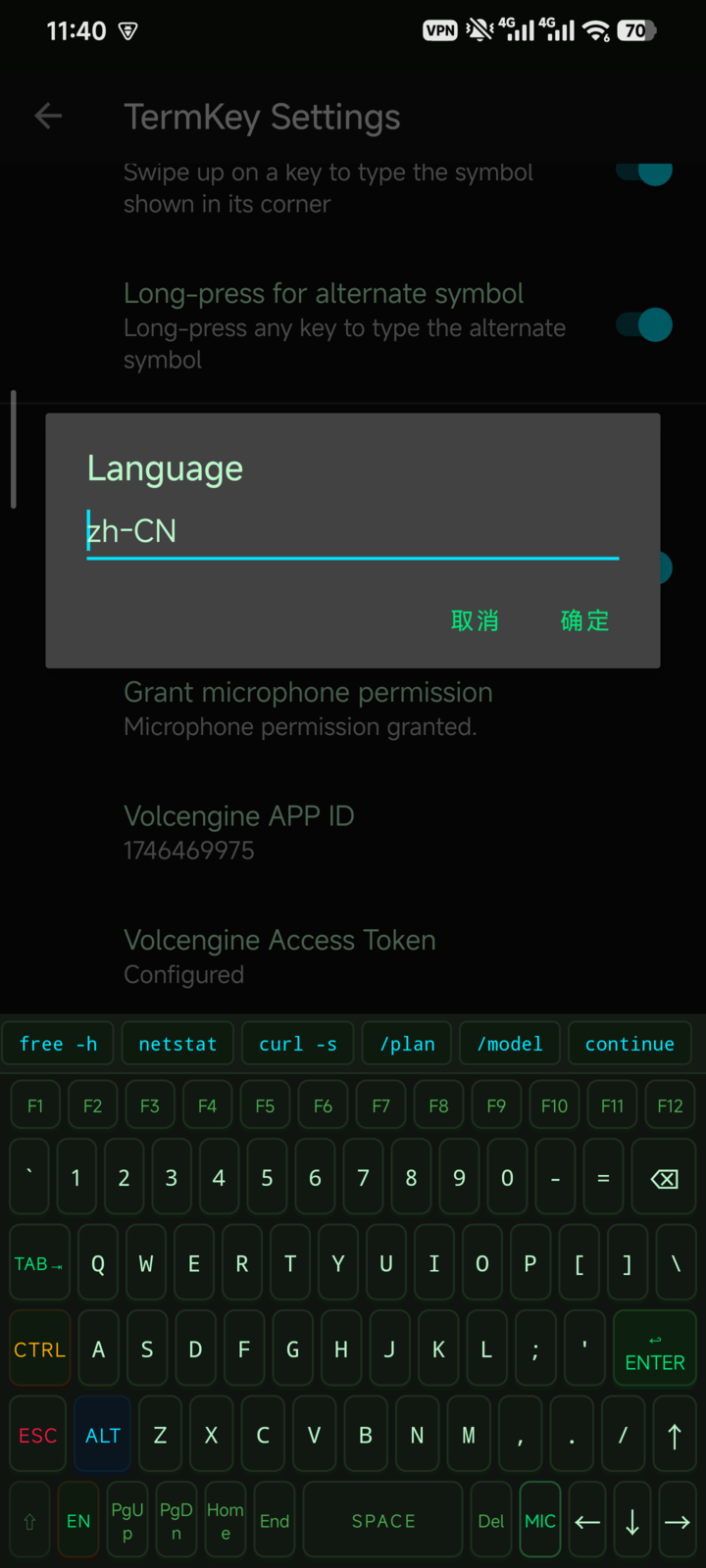
Everything visible: modifiers, arrows, paging, macros, and function row.
Reduced layouts tuned for thumb reach, with common punctuation and adaptive hitboxes.
A dedicated symbol-only page that inserts once and returns to the previous compact mode.
On Device
The current project already has real device captures for setup, compact keyboard usage, Chinese candidate flow, and voice recording. These same assets can be reused for store listing work and project documentation.
Project Notes
The Chinese engine ships with a bundled lexicon and persists user frequency locally, so ranking improves per device without requiring cloud sync.
Macro buttons are editable from settings and persisted in the same app storage the IME reads at runtime.
Voice input depends on Volcengine credentials. The rest of the keyboard remains usable offline and does not require a network service.
Explore Further
If you publish the repository with GitHub Pages using the /docs folder, this
file can serve as the public homepage while the full technical details remain in the repo
README and privacy policy pages.